
About
Overview
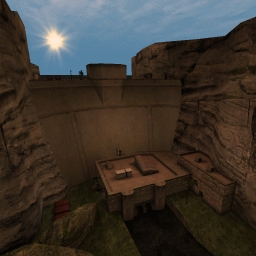
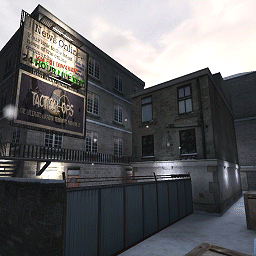
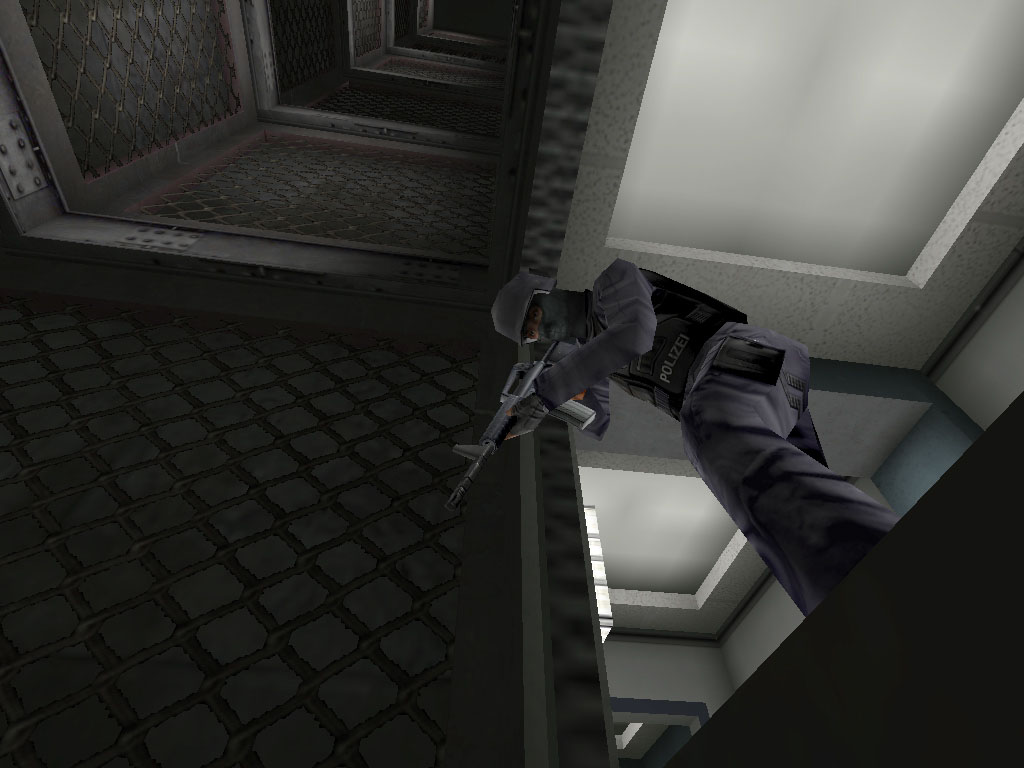
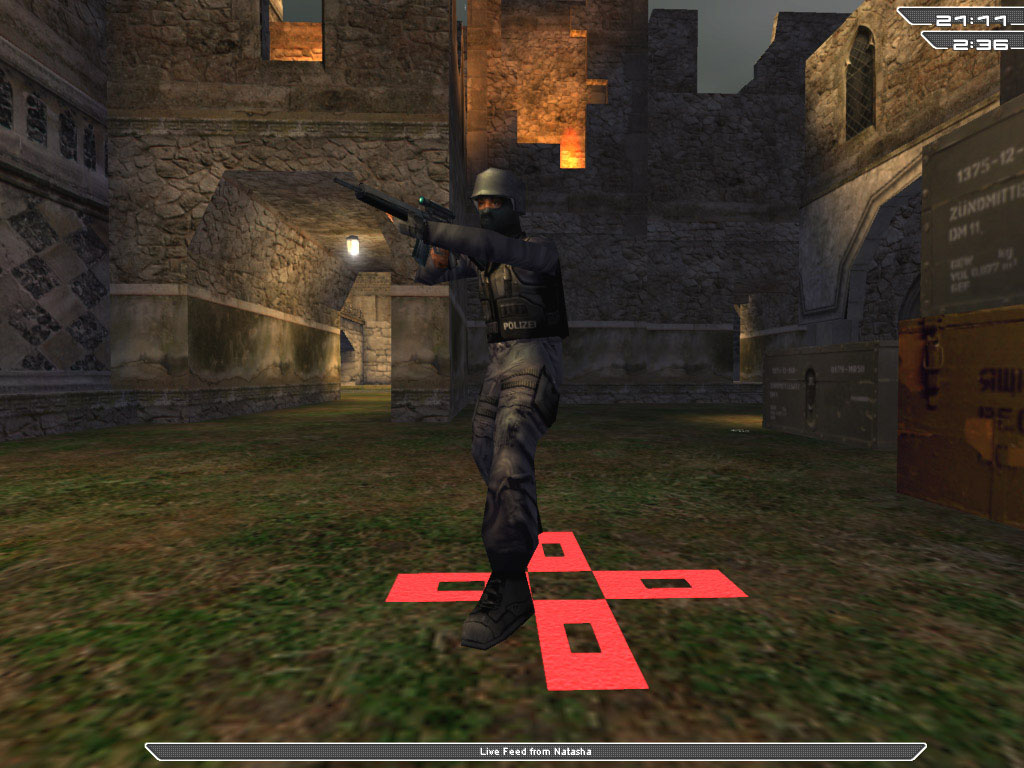
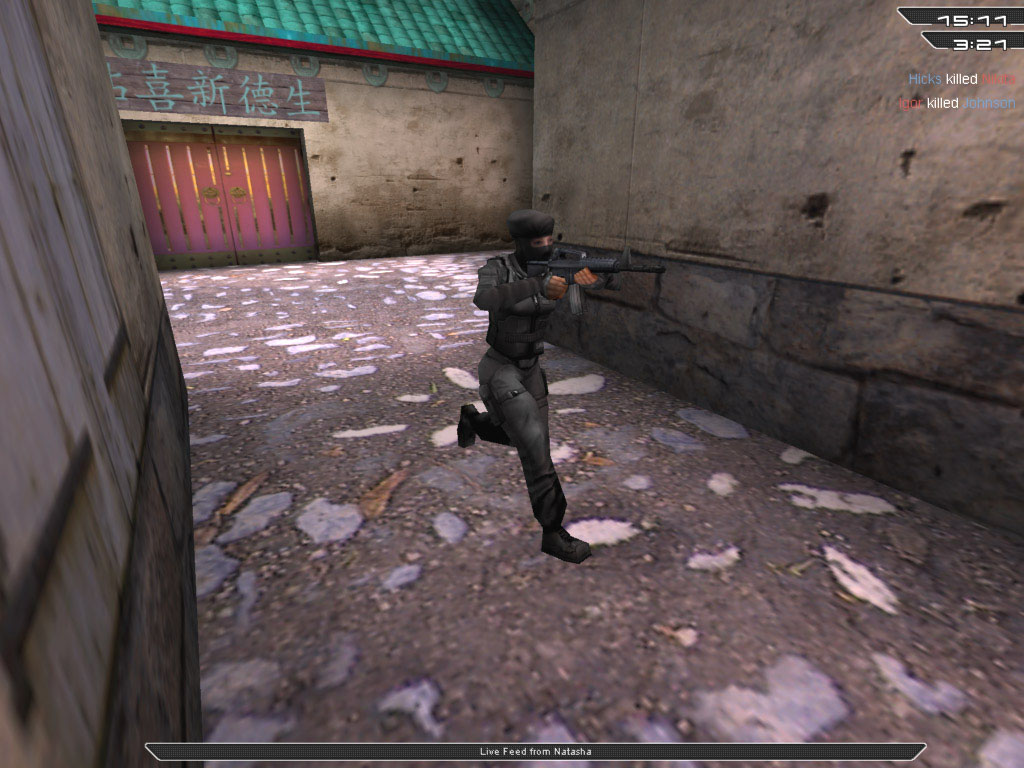
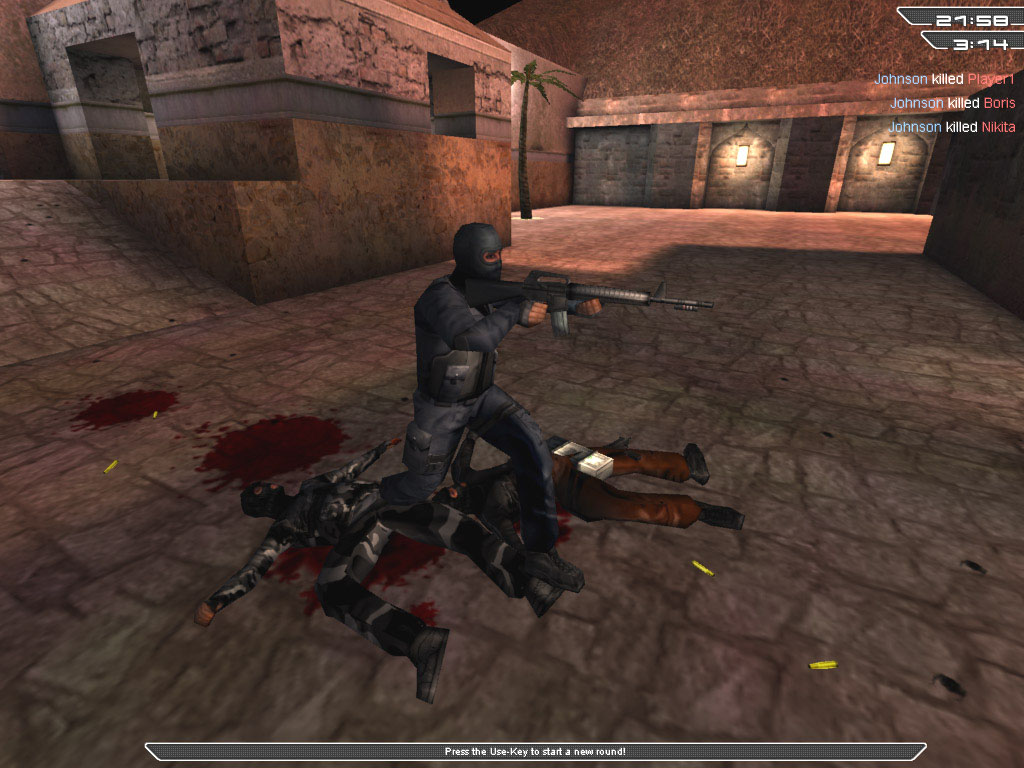
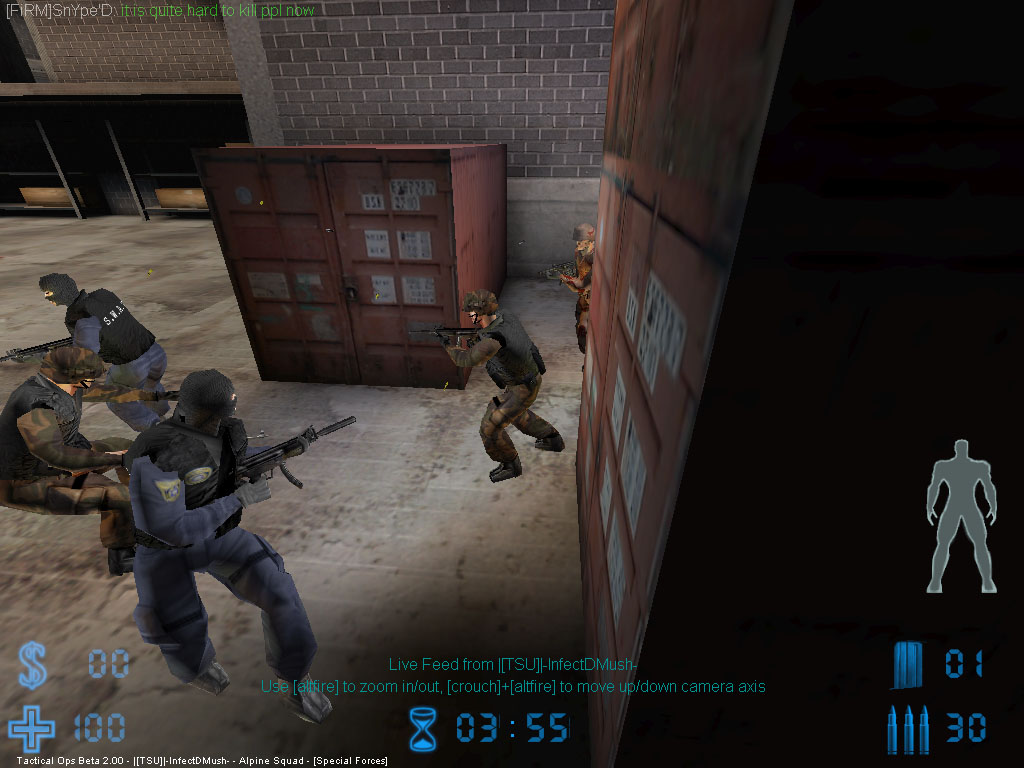
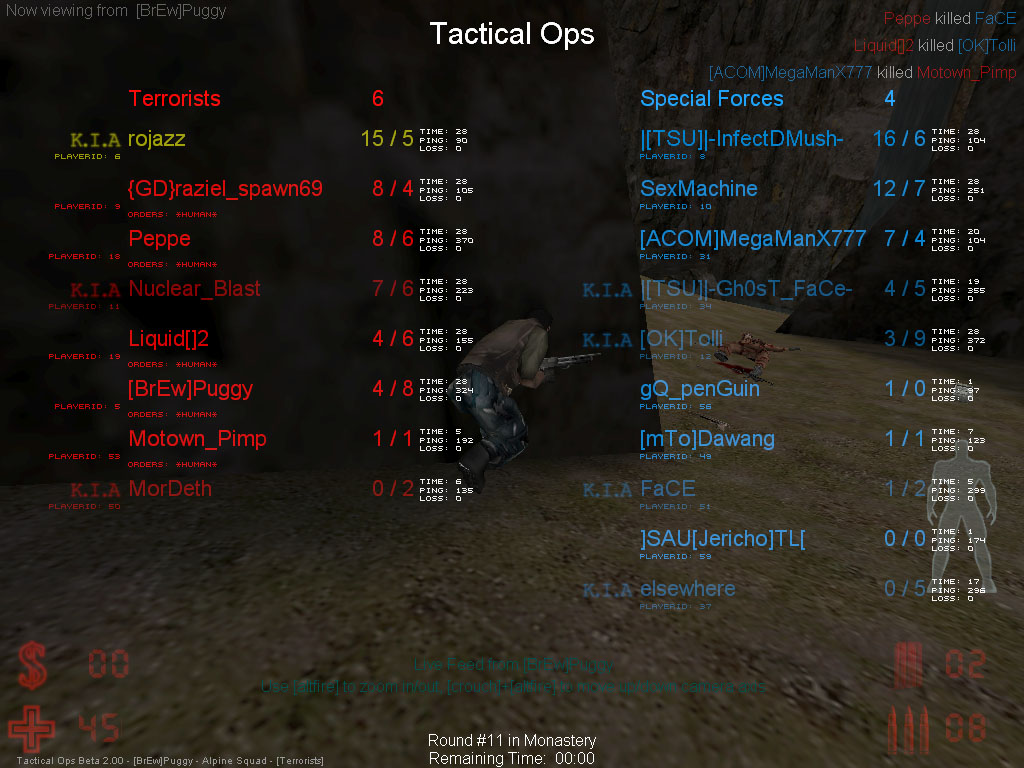
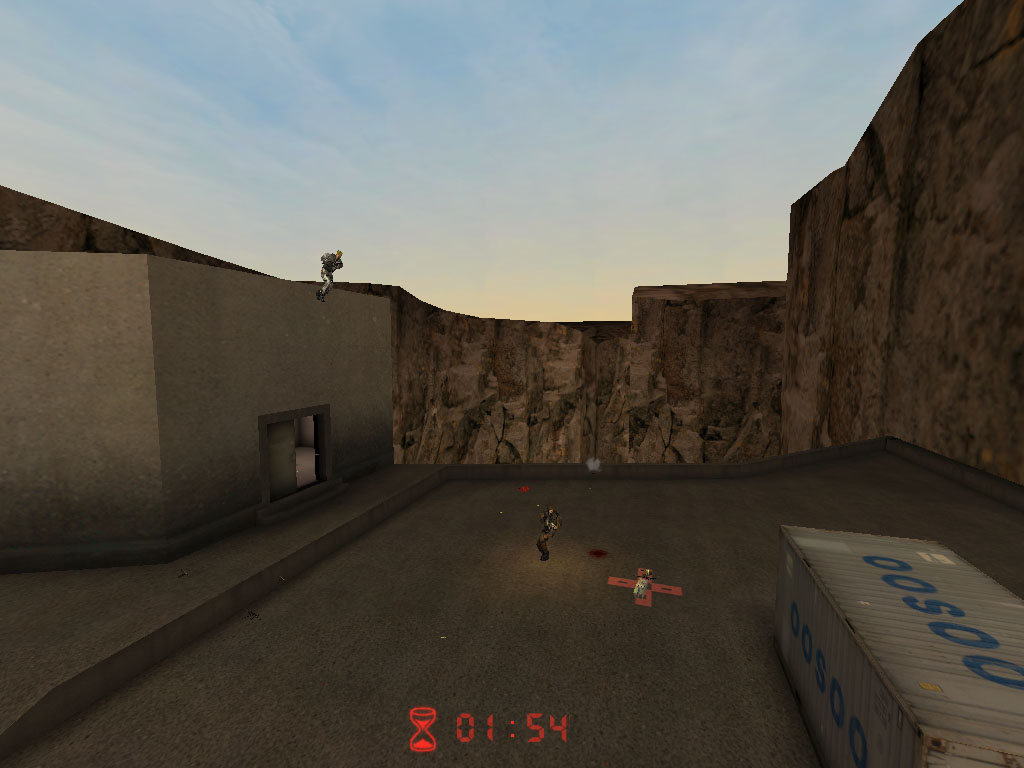
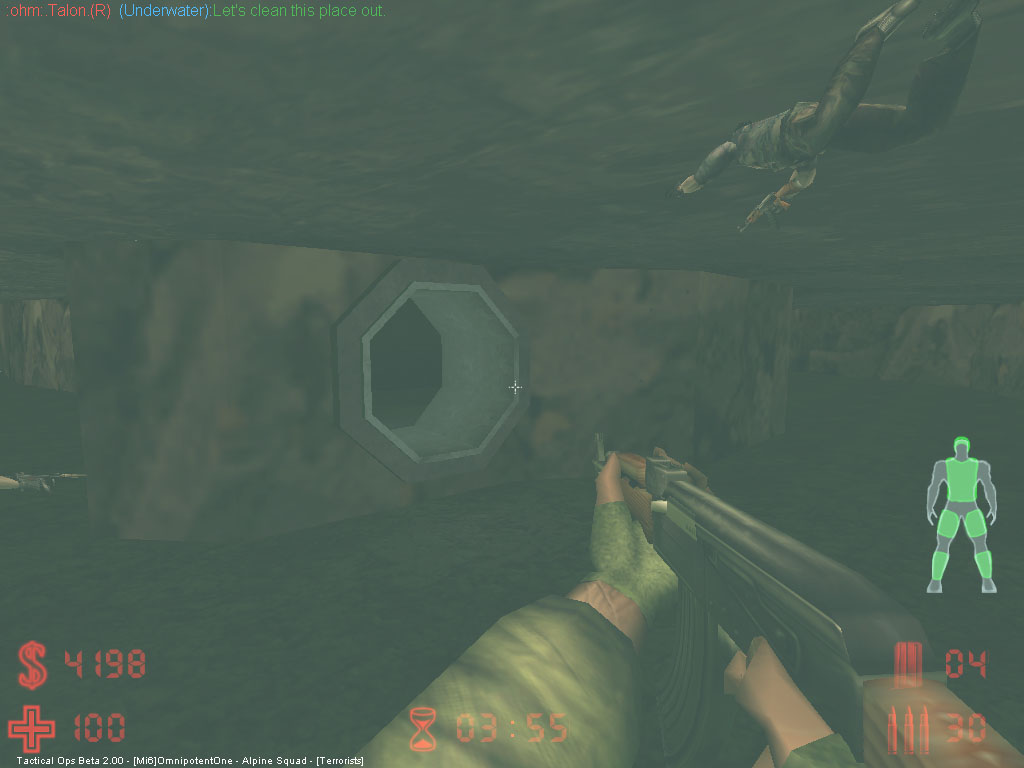
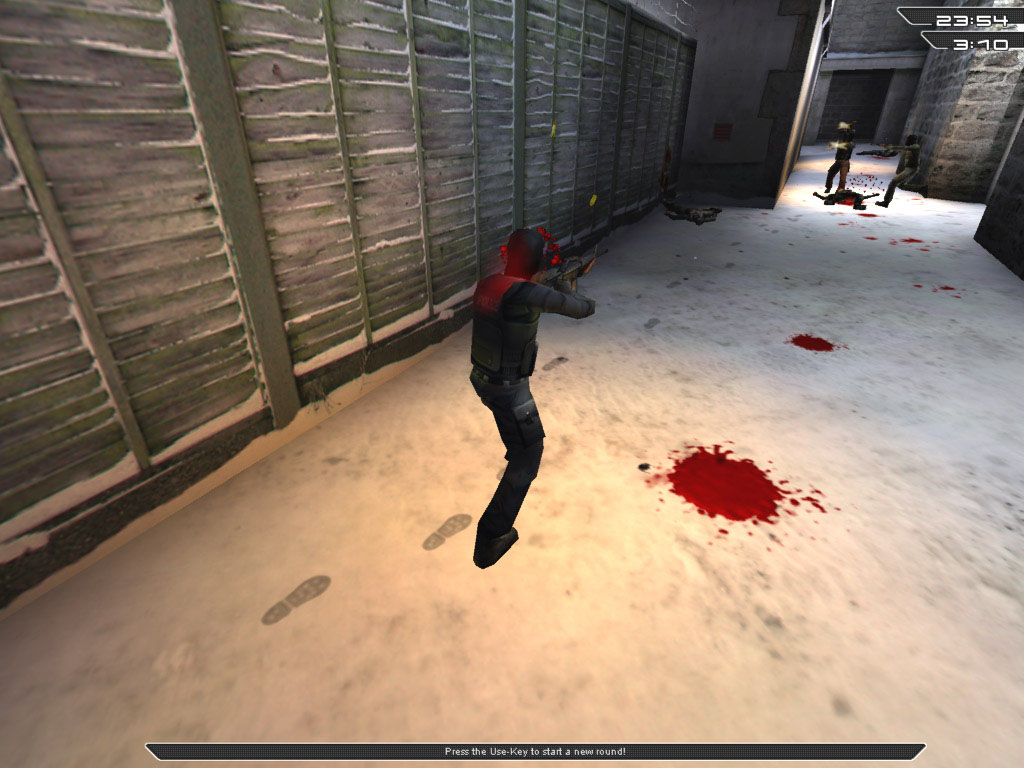
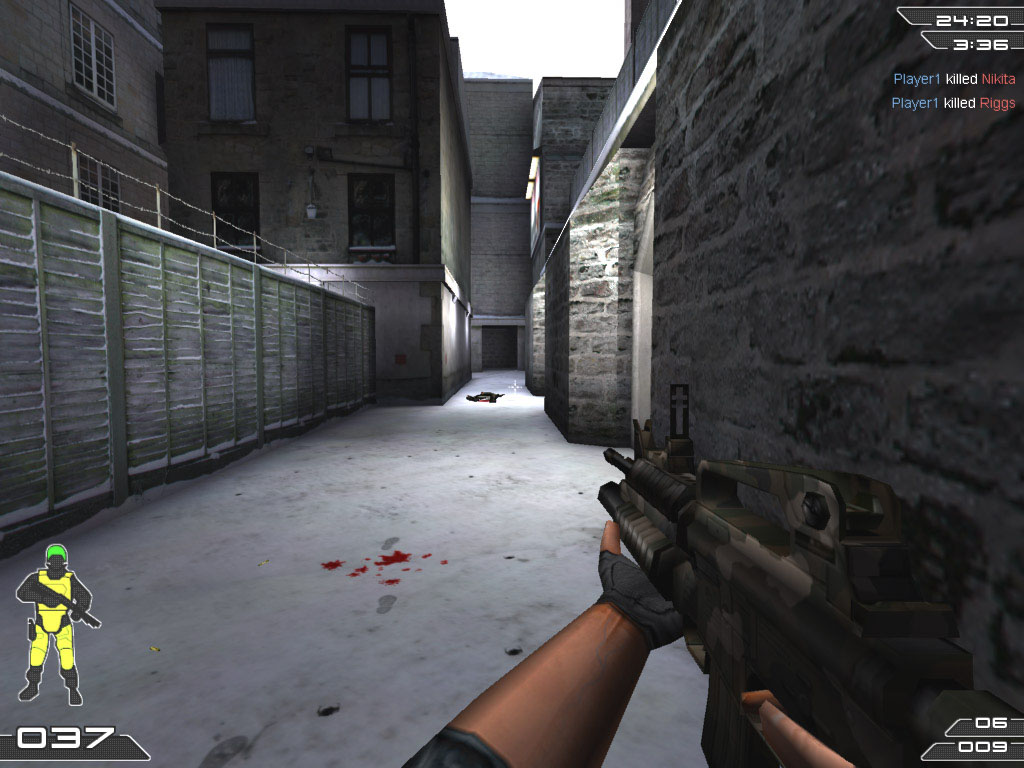
Tactical Ops – Assault on Terror is an action-oriented semi-realistic first-person shooter. Tactical Ops – Assault on Terror pits two teams, the elite Special Forces and the Terrorists, against each other in a battle to the death in different locations around the world. There are a variety of different scenarios available to play including the basic hostage rescue scenario, right through to C4 bombing missions and the theft of a prototype weapon. The locations where the scenarios are fought vary, from the towering dam of "Verdon," to the snows of the Antarctic in "IcyBreeze," or the remote church of "Monastery." Money is rewarded for successfully winning a round. However, the losers will get a little bit to keep them healthy. This cash can be used to purchase weapons, items, and body protection to help your team in their struggle. Money can also be saved to buy bigger and better weapons to out-smart the opposing forces.
The Basics
Once you've joined a game, you will be asked to select which team you would like to join, either Special Forces or Terrorists. The numbers of players per team can be found on the Team Select screen.
If you start a practice session, you will be given an overview of your objective right after you have chosen your team.
If you have joined a multiplayer game and it is not the start of the round, you will start off dead until the next round starts. However, if it is the start of a round, you will be given a Briefing screen.
On the Briefing screen, you will be given an overview of objectives that you need to complete. This is the best period of time to buy your weapons. No one will be able to move for the first few seconds (this time may vary).
You can buy weapons, items, and body protection to assist you in the forthcoming round. It is recommended that you buy a weapon, ammunition and body protection until you have a good idea of what weapons and items work best for you. After a few seconds, the Briefing screen will disappear and you will be able to move around.
When you start a game, you have $1,000 in your pocket. Throughout the round, money is given out for a number of different reasons such as: killing enemies, winning the round, rescuing hostages or keeping evidence until the round ends. If you kill a teammate or a hostage, you will lose some money. The maximum amount of money you can have is $20,000.
Money can be spent on weapons whenever you are standing at your starting point. You cannot buy anything outside the starting zone.
Objectives – Scenarios
Rescuing Hostages (Special Forces) – To get a hostage to follow you, go up to him and press the "Use" key. The hostage will now follow you until he is rescued, he is killed or you press the Use key on him again to tell him to wait there. The Terrorists need to stop the Special Forces from rescuing the hostages.
Planting the Bomb (Terrorists) – The bomb is part of your weaponry. Cycle through weapons to select the bomb (only one terrorist has the bomb). The Terrorists need to plant the bomb and guard it until it goes off at a bomb site designated by a red cross. The Special Forces need to prevent the bomb from being planted. If it is planted, the Special Forces should defuse it. If the terrorist who has the bomb gets killed, he will lose the bomb. Other Terrorists can pick up the bomb to plant it. The Special Forces cannot pick up the bomb.
Escape (either team) – This scenario sees one of the teams fleeing for their lives while the opposing team tries to hunt them down.
Capturing the OICW (Terrorists) – The Terrorists are out to capture a secret weapon designed by the government. The Special Forces cannot pick up this weapon, only Terrorists can.
Practice against bots
To start a practice session, click on Game › Start Practice Session. A box will pop up and you will be able to choose the map you want to play. You can change the settings for each map: difficulty level, time limit, number of bots, etc. Bots are characters controlled by the computer. They act of their own will, unless you give them specific orders. In a practice session, you are the only one able to give orders to bots. However, you may see/hear messages from partner bots asking for your help. It is up to you whether you want to help them or not. In any case, you are always the commander in a practice session. After an order has been given, all bots (or a specific bot depending on the order) will follow your instructions for a couple of minutes. They will then return to a "freelance" mode, unless you give them other specific instructions.
Settings
- Automatic Reloading – If you prefer to have your weapon reloaded automatically after you have emptied your clip, you should check this option.
- Hide Crosshairs – If you don't want your aiming crosshairs to be displayed, check this option. Although it is harder to play, it makes the game more tense and realistic.
- Hide Widescreen – When you are dead, you can view the game in widescreen mode (default). If you wish to view it normally, check this option.
- Hide Death Messages – If you don't wish to know when a teammate or enemy has died, check this option.
- HUD Transparency Fix – If you are having trouble viewing the HUD or using night vision, check this option.
Contents
Included Maps (14)

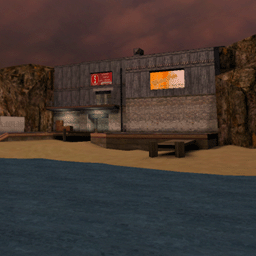
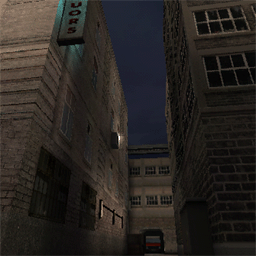
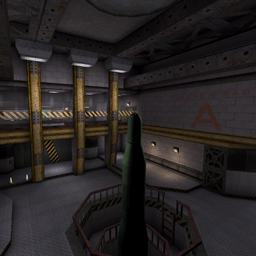
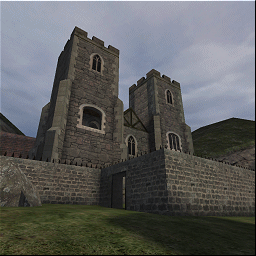
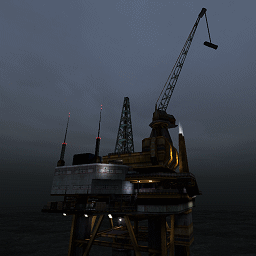
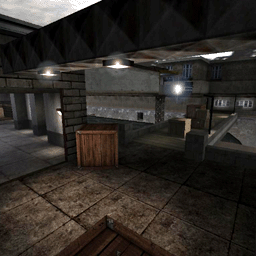
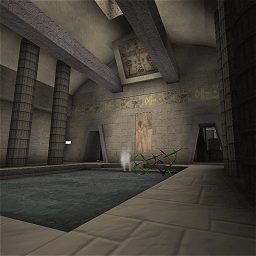
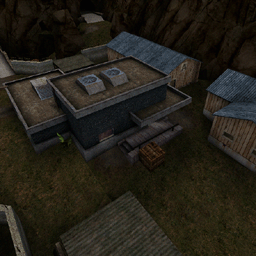
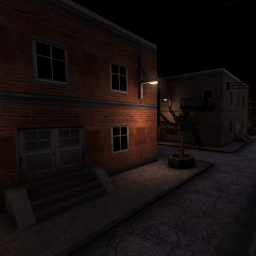
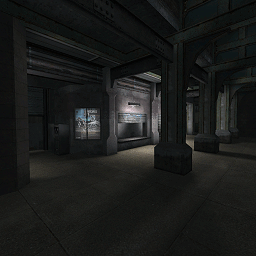
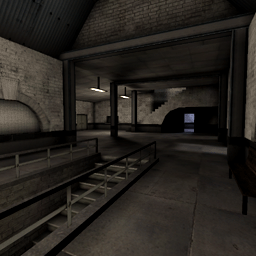
Screenshots
Credits
- Project Leader
- Laurent "Shag" Delayen
- Lead Programmer
- Laurent "Shag" Delayen
- Additionnal Programming
- Gerke "j3rky" Preussner
- Mathieu "EMH_Mark3" Mallet
- Jason "Medivith" Hipps
- Kevin "Kaydee" Hipps
- Lead Modeler
- Jack "Warflyr" Davis
- Modeling
- Deyan "Cyborg" Ninov
- Kurt "Apocalypse" Cadogan
- Martin "GSSCP" Behrend
- Nikolai "MINION" Gregory
- Animating
- Jack "Warflyr" Davis
- Skinning
- Fredrik "Svugg" Svegert
- Jack "SixShooter" Luttig
- Martin "GSSCP" Behrend
- T.L "GaNjAmAn" Scheffer
- Graphic Art
- Eric "rojazz" Rojas
- Gerke "j3rky" Preussner
- Jack "Spinex" Gilson
- Laurent "Shag" Delayen
- Toby "Macadoshis" Rees
- Sound Artists
- Barry "Barra" Abe
- Jens "Gonou" Nilsson
- Jolan "LineOut" Koks
- Voice Casting and Directing
- Lani Minella, Pro-Motions Production Company
- Audio Production
- Rick Bowman, Lethal Sounds
- Soundtrack
- Pablo Delgado Rodriguez
- Manual
- Toby "Macadoshis" Rees
- Lead Map Designer
- Janis "Flux" Bode
- Map Designers
- Jack "Spinex" Gilson
- Frank "r@yden" Petri
- Mathieu "EMH_Mark3" Mallet
- Matthijs "MatthijsM" Meerman
- Robin "Nassau" Dowling
- Olivier "Neuro" Chapuis
- Peter "Andirez" Andries
- Rich "Akuma" Eastwood
- T.L "GaNjAmAn" Scheffer
- Tynan "Dr.Crowbar" Sylvester
- Yordi "revolver" Malawauw
- Rogelio "Desperado#2" Olguin
- Webmasters/Administration/PR
- Eric "rojazz" Rojas
- Toby "Macadoshis" Rees
- IRC Admin
- Alexc19
- Lead Beta Tester
- Dennis "FoCuS" van Gilst
- Jan "job" Buechner