
About

Introduction to UTXMP
Unreal Tournament Expanded Multiplayer (often shortened to "UTXMP") is a class based multiplayer team game. It relies on crucial teamwork as you attempt to gain control of four powerful artifacts and fuel the war machine through domination of critical resources. You must use the arsenal of weaponry, vehicles, and defenses at your disposal to help your team win this battle.
UTXMP is a total conversion for Unreal Tournament 2004, developed by Free Monkey Interactive, and is based upon Unreal II: Expanded Multiplayer, released in 2003 by the now-defunct Legend Entertainment.
Starting UTXMP
If you used the automatic installer, simply double-click the "UTXMP for UT2004" shortcut on your desktop or browse to UTXMP -> UTXMP for UT2004 on the Windows start menu.
If you used the manual multi-platform .zip archive, you will need to run UT2004 with the parameter -mod=UTXMP.
Of course, you can always launch UTXMP by selecting it under the "User Mods" section of the "Community" menu at the UT2004 main menu.
Artifacts
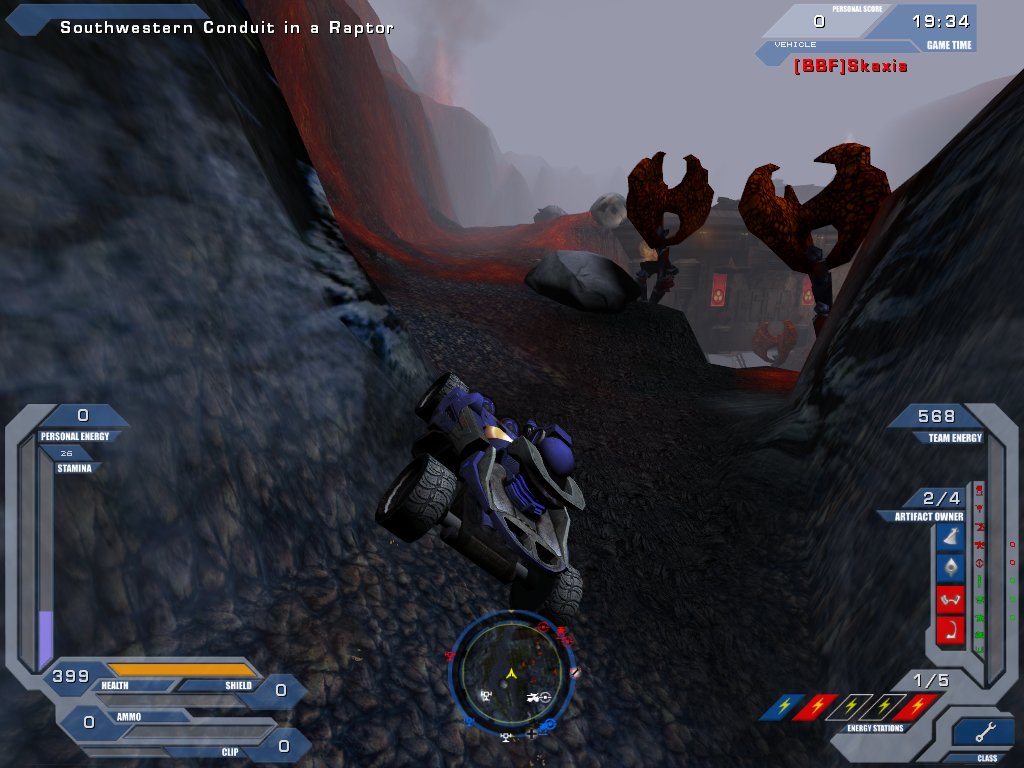
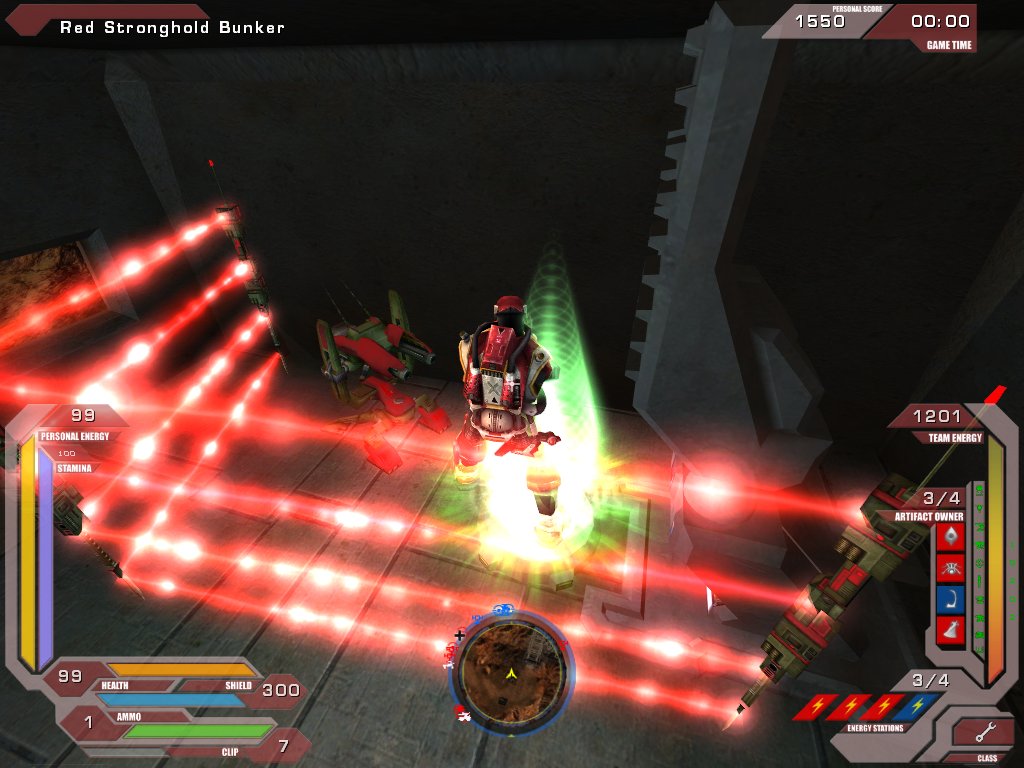
Each team begins the match with two of the four artifacts at their base. The status of each artifact is indicated on your HUD in the lower right corner. The background color of each artifact indicates the team to which it is registered. An artifact which has been stolen by the opposing team will glow. Artifacts dropped in the world will go dim.
To steal an artifact, you must enter the enemy's base and pass through their Artifact Node. This will collect an artifact from the enemy. To claim the artifact for your team, you must return and pass through your own Artifact Node to register the artifact. Note that 800 team energy points are required to register an artifact. Your team must gain control of all four artifacts at your Artifact Node to win the match. An artifact dropped in the field will eventually return home and can be returned immediately if the controlling team touches it.
Team Energy
As members of an elite marine combat unit, you are deployed to the battlefield with powerful hardware and computer-aided skills. However, this does not come without a price, and that price is energy. Without energy, the war machine soon grinds to a silenced halt.
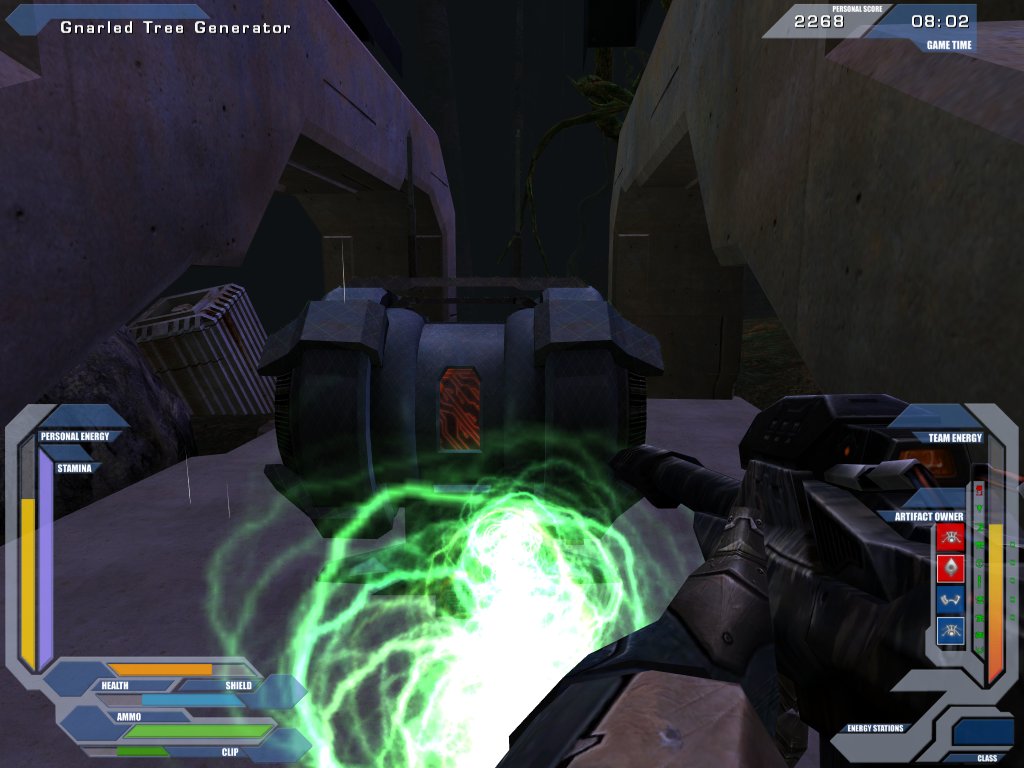
Skills, jump jets, vehicles, turrets, stations, the artifact node, and deployed items such as mines and field walls all require power to use and to continue functioning. The amount of energy available to each team depends upon how much each team has extracted and collected via generators. To take control of an energy source, use it to hack it to your team. Once you have hacked a generator, power will flow to your team. Depriving another team of energy sources will cause them to drain their stores.
As you acquire more energy, more technology will come online for your team. If you lose energy, technology will begin to go offline. As energy rises and technology goes online, new inventory can be acquired from supply stations or supply packs.
The table below shows the energy required to keep each XMP technology online. If your team's energy level falls below the required level, that technology will go offline.
| Technology | Energy Threshold |
|---|---|
| Artifact Node | 800 |
| Supply Packs | 750 |
| Manned Turrets | 700 |
| Rocket Turrets | 650 |
| Land Mines | 600 |
| Field Generators | 550 |
| Laser Trip-Mines | 500 |
| Auto Turrets | 350 |
| Vehicles | 300 |
| Supply Stations | 200 |
Use / Hack / Revive
Many items in the world can be used by the player. Usable objects nearby will be highlighted by a reticle. When you look at a usable object, the reticle will change, showing that you may now use it by pressing the Use button.
Using teammates allows you to aid them in certain ways. The Ranger can heal teammates by using them, while the Tech repairs their shields. A Gunner can resupply a teammate's inventory and ammunition.
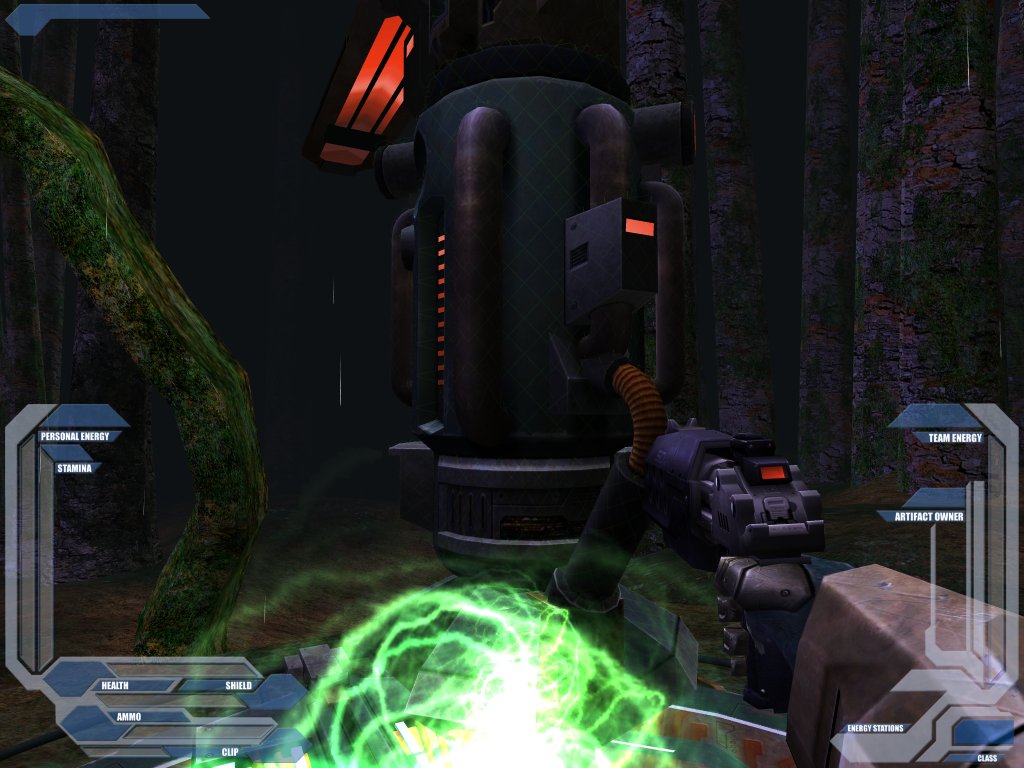
Some of these objects are hackable. Hackable objects can be programmed to react only to one team. This means that doors, generators, deployment points and other objects can be controlled by a single team if they hack control of the object. To hack an object, press and hold the Use button. Hacking takes time, so you must continue to hold the Use button until it is completely hacked.
To revive an injured teammate, move close to them, look at them and press your Use key. By default, revived players start with only one health point when revived by a Gunner or Tech, but 25 when revived by a Ranger.
Death & Deployment
When you are critically wounded in the battlefield, you can either wait for a teammate to revive you or choose redeployment. While any class can revive a downed teammate, only the Ranger can fully heal them.
Deployment occurs from Deployment Points throughout the field. While waiting to deploy, you may jump from one deploypoint to the next by pressing the Jump button. Press the fire button to lock into a deploypoint and be teleported to the battlefield at the next deploy. Deploy times are staggered between deploy points, so if you wish to rapidly redeploy, certain points may provide you with a faster time back into the field.
Hacking deploy points in the battlefield will give you strategic advantage over your opponents. To hack a deploypoint, simply use it until it is hacked to your team.
Player Classes
There are three player classes in UTXMP; the Ranger (light), the Tech (medium) and the Gunner (heavy).
Ranger
Weapons: Sniper Rifle, Pistol, Shock Lance, Grenade Launcher (Light)
- Can drop health pickups provided team has sufficient energy
- When revived by a Ranger, players come back to life with 25 health points (as opposed to the usual 1 point)
- Can move faster than any other class
- Weak armor
Tech
Weapons: Shotgun, Assault Rifle, Grenade Launcher (Medium)
Deployables: Auto Turrets, Rocket Turrets, Field Generators
- Can drop energy pickups provided team has sufficient energy
- Medium movement speed
- Medium armor
- Can hack faster than any other class
Gunner
Weapons: Rocket Launcher, Flamethrower, Grenade Launcher (Heavy)
Deployables: Land Mines, Laser Trip Mines
- Can drop ammo pickups provided team has sufficient energy
- Slow movement speed
- Strong armor
Contents
Included Game Types (1)
- Expanded Multiplayer
Included Maps (15)
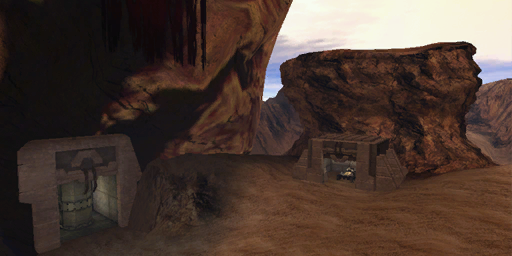
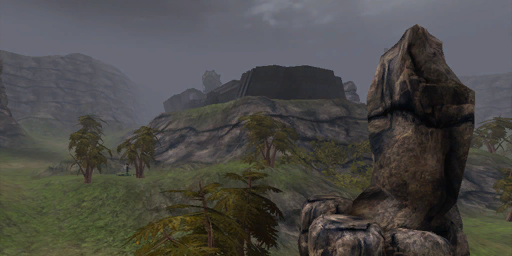
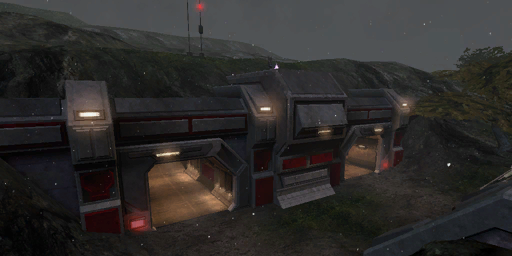
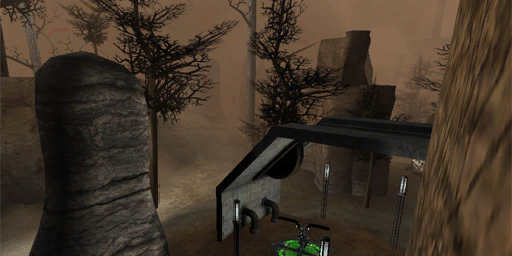
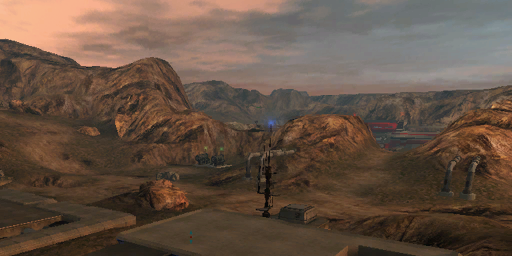
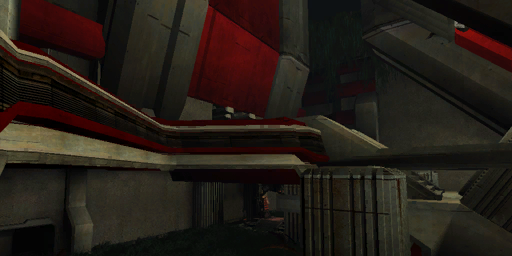
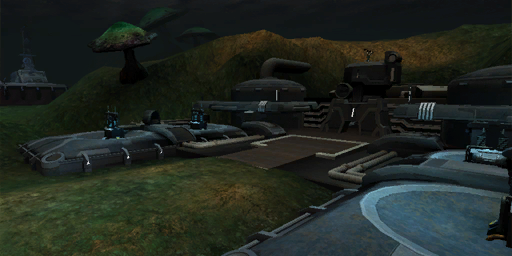
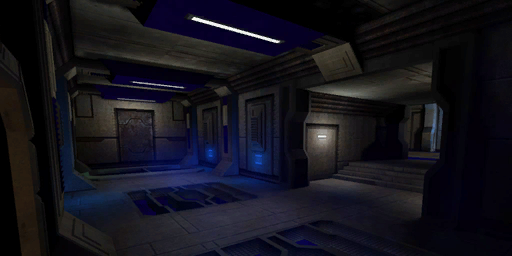
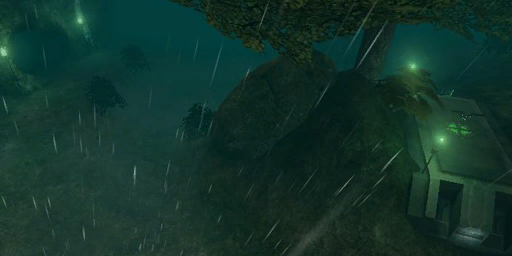
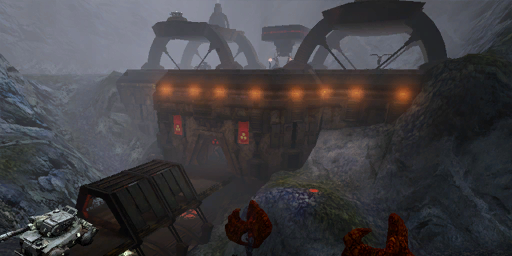
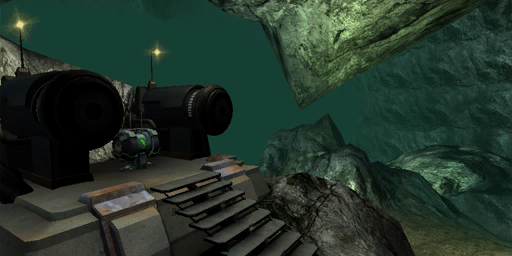
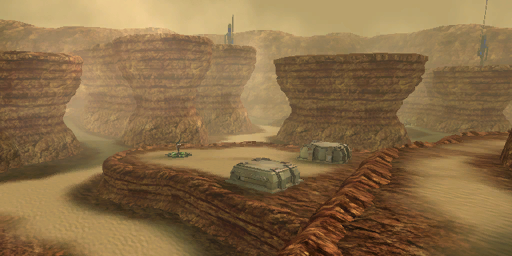
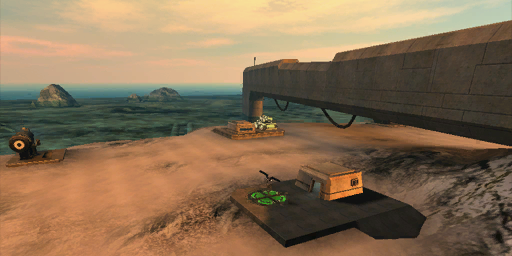
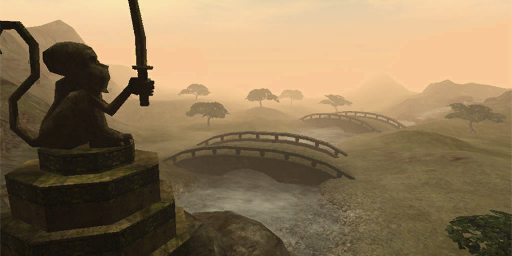
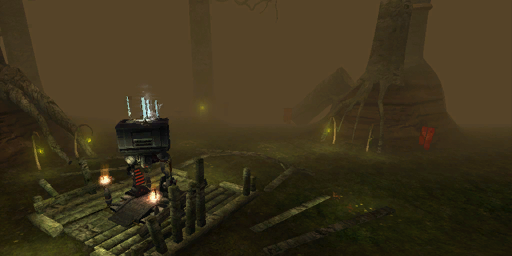
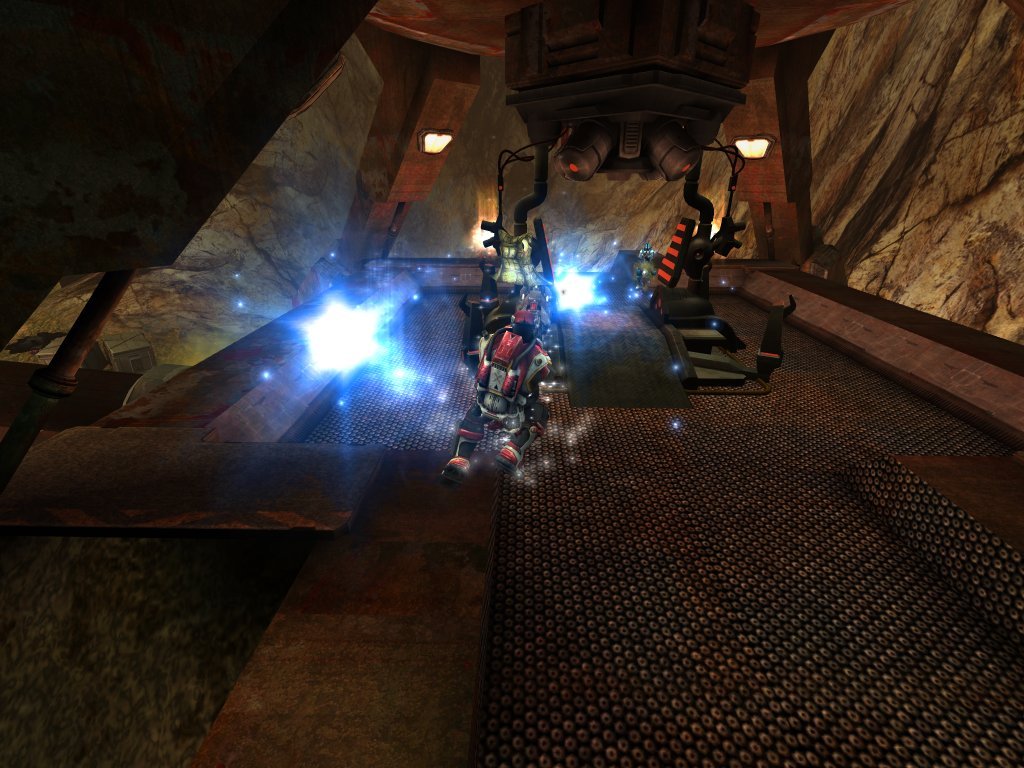
Screenshots
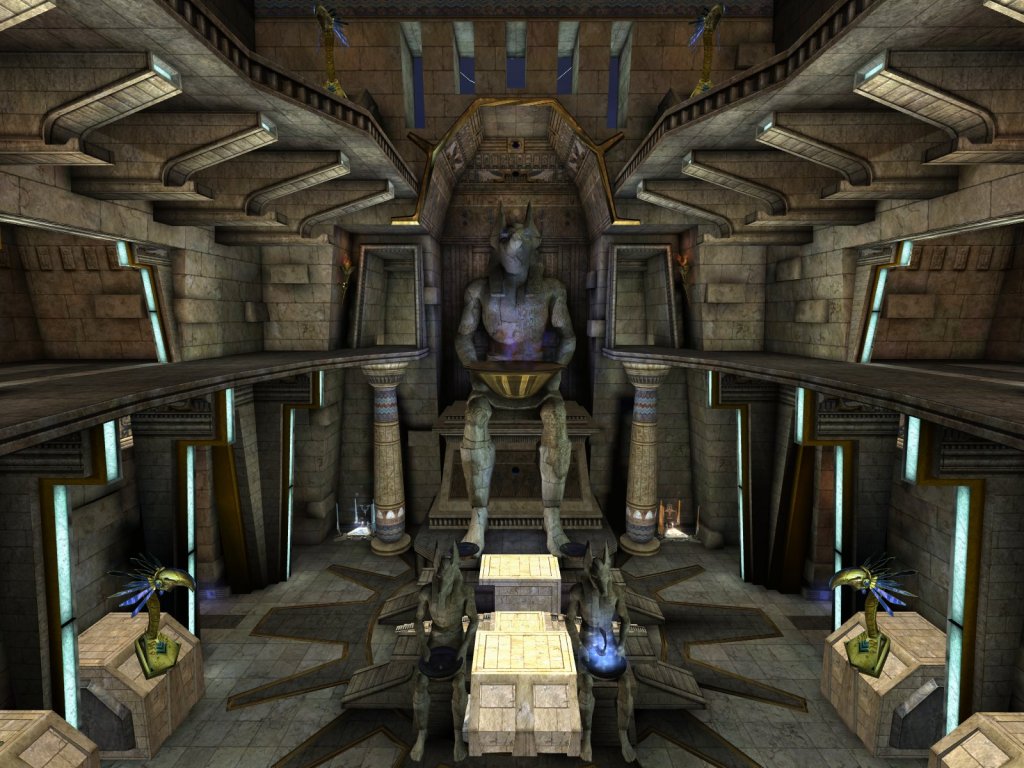
Credits
- Programming
- Jason Yu
- Ritesh O' Varma
- Additional Programming
- Alex Dobie
- Level Design
- Andrew Black
- Jacob Speer
- Alex Dobie
- Bart van Oosten
- Erik Cederman
- Legend Entertainment
- Interface & HUD
- Bart van Oosten
- Ritesh O' Varma
- Jason Yu
- Alex Dobie
- Player Models
- Legend Entertainment
- Bart van Oosten
- Marian Zamfirescu
- Special Effects
- Alex Dobie
- Bart van Oosten
- Public Relations
- Andrew Burnes
- Alex Dobie